Sketch to Render AI

Turn hand-drawn sketches and concept drawings into photorealistic architectural renders. Upload a sketch and let AI produce polished, presentation-ready visualizations in seconds.

Render Your Sketch Free
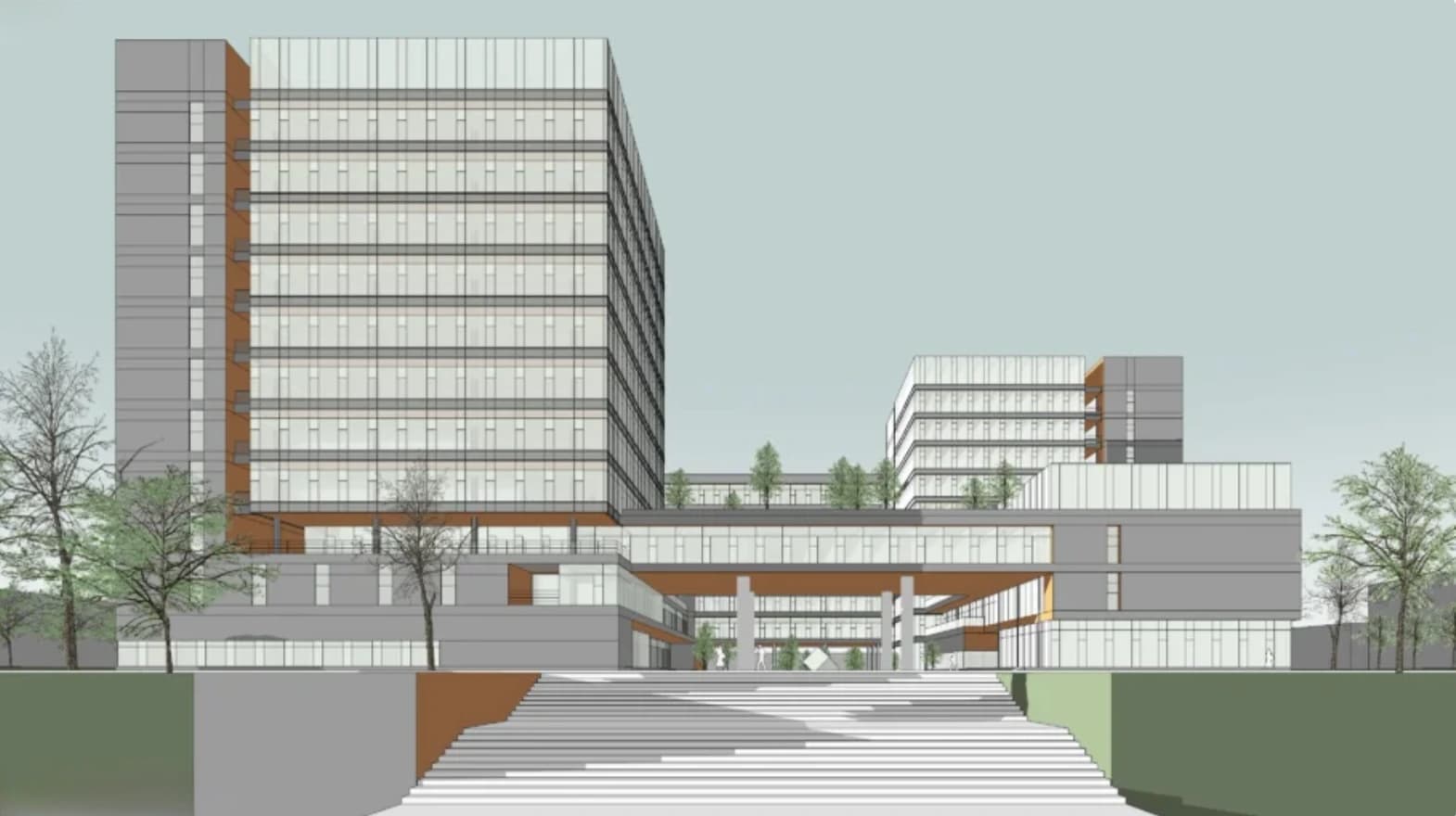
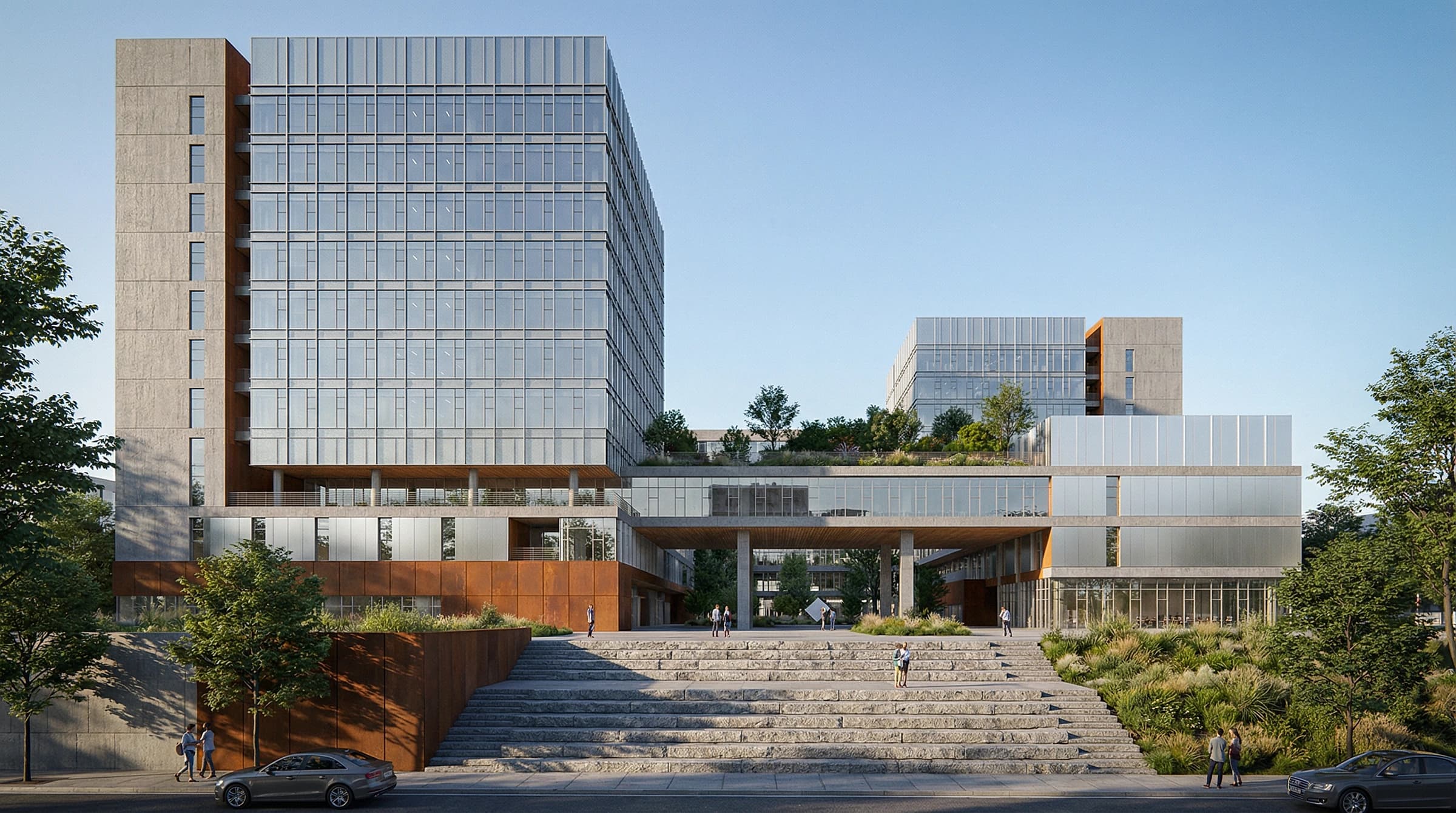
AI render generated from a sketch 1
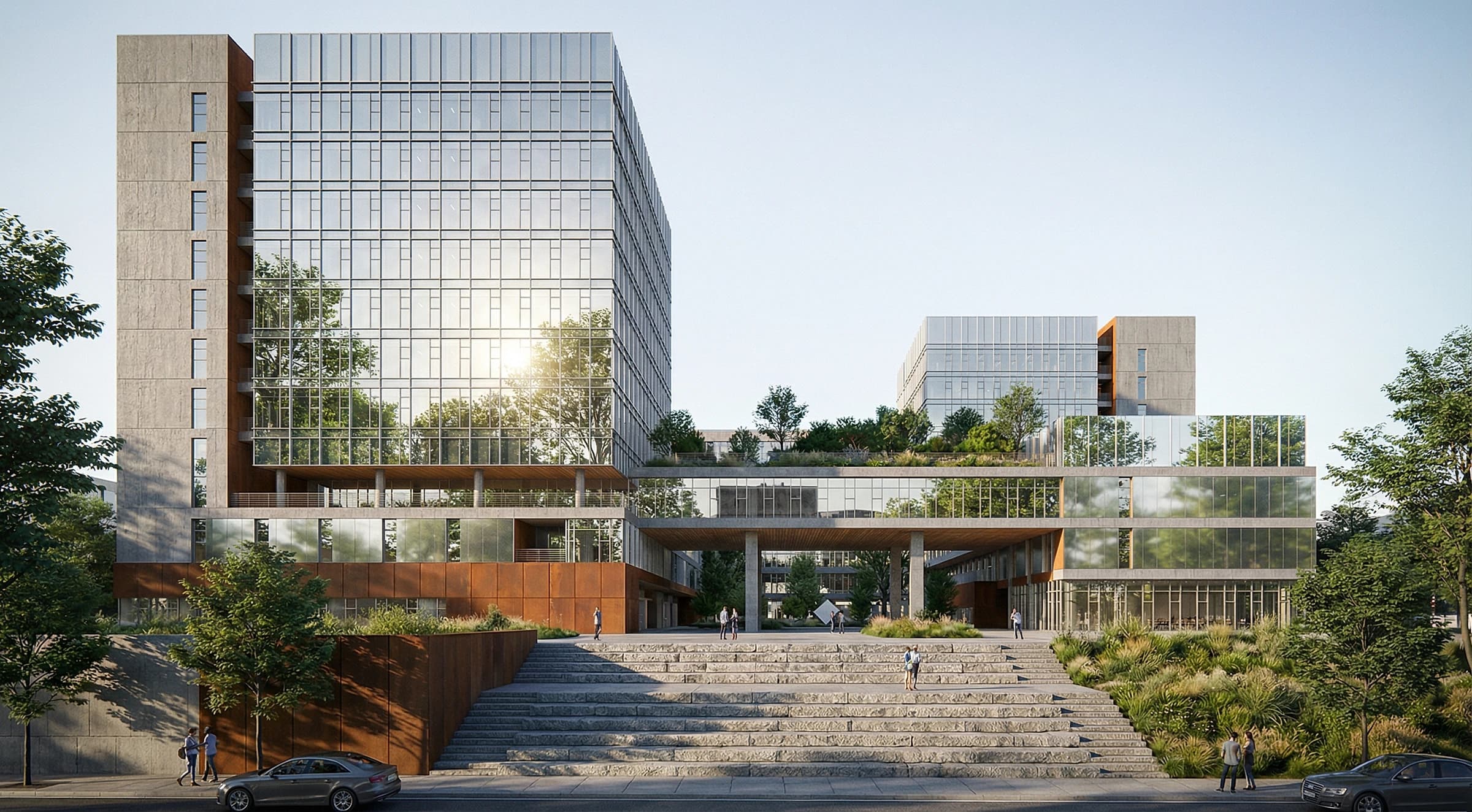
AI render generated from a sketch 2
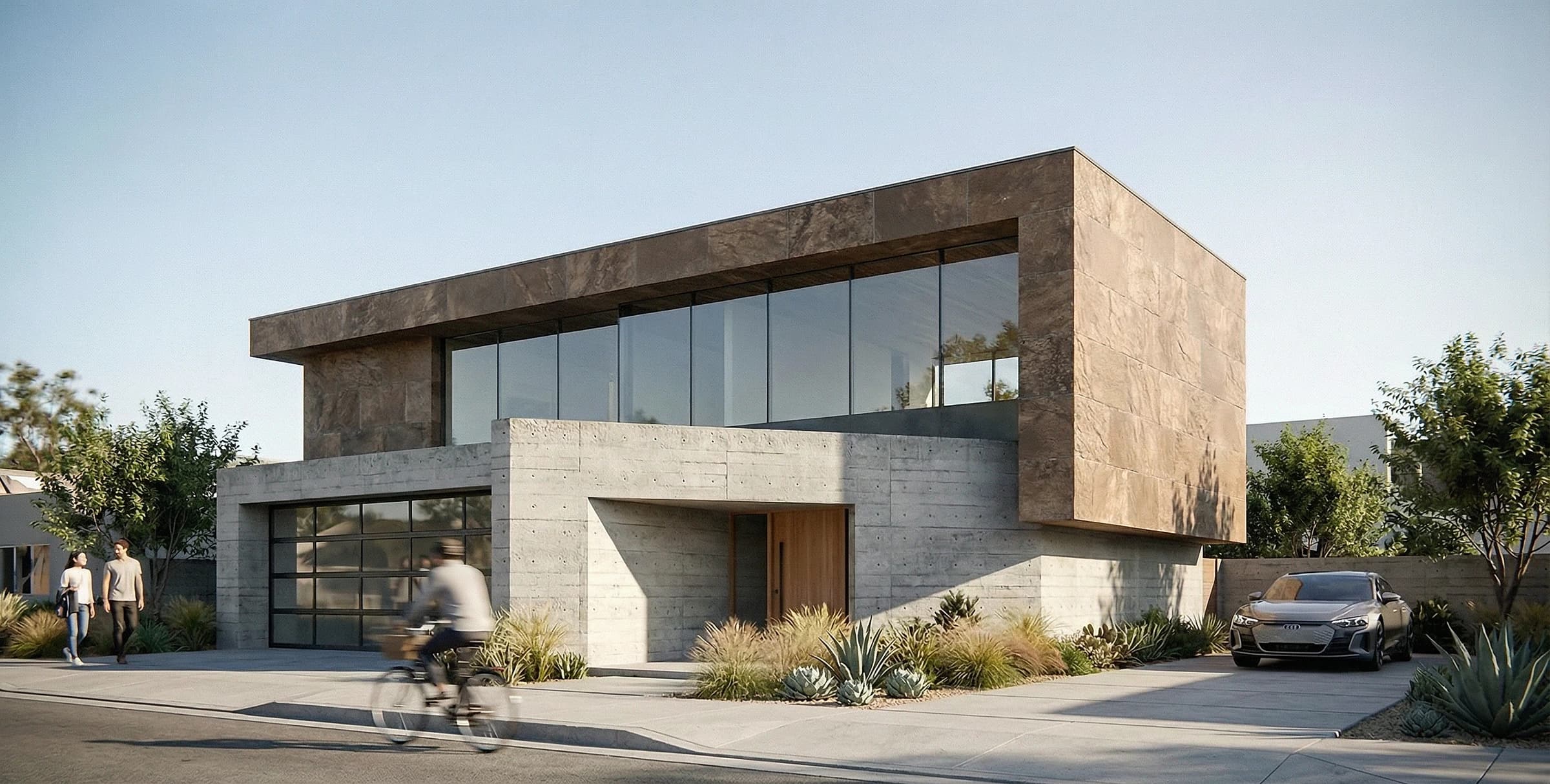
AI render generated from a sketch 3
AI render generated from a sketch 4

Was Sie tun können

Concept Sketches

Turn napkin sketches and quick concept drawings into photorealistic renders to communicate ideas before modeling.

Client Presentations

Present polished visuals from your hand drawings in client meetings — no need to build a full 3D model first.

Design Studio Speed

Render iterations straight from sketches during charrettes and reviews to explore more options in less time.

SketchUp & CAD Line Work

Feed line drawings and clay-model views from SketchUp, Rhino, or CAD and get a finished photorealistic render.

Student Portfolios

Architecture students can transform studio sketches into professional-quality renders for reviews and portfolios.

Competition Entries

Quickly produce striking visuals from concept sketches for competition boards and design submissions.

So funktioniert es

1

Upload Your Sketch

Upload a hand-drawn sketch, line drawing, or concept drawing. Rough or detailed — the AI works from any sketch.

2

Choose Style & Detail

Pick an architectural style, materials, and lighting, and set how closely the render should follow your line work.

3

Render & Download

Get photorealistic renders in seconds. Generate variations, upscale to 4K, and download presentation-ready images.

Häufig gestellte Fragen

What is sketch to render AI?
Sketch to render AI converts hand-drawn sketches and line drawings into photorealistic architectural renders automatically. Instead of modeling in 3D and rendering manually, you upload a sketch and the AI produces a finished image in seconds.
What kinds of sketches work?
Rough concept sketches, detailed line drawings, marker renderings, SketchUp or CAD line work, and clay-model screenshots all work. Both interior and exterior sketches are supported.
Does it follow my drawing accurately?
Yes. You control how closely the render adheres to your sketch. Keep it faithful to your line work for precise results, or loosen it to let the AI explore more creative interpretations.
Do I need to model anything in 3D?
No. That is the point of sketch to render — you skip the 3D modeling and rendering pipeline entirely and go straight from a 2D sketch to a photorealistic image.
Is sketch to render AI free to try?
Yes. mnml.ai offers free credits on signup so you can render your first sketches at no cost — no credit card required.

Explore More AI Tools

Beginnen Sie heute mit KI-Design

Schließen Sie sich über 2 Mio. Architekten und Designern an, die mnml.ai nutzen.